

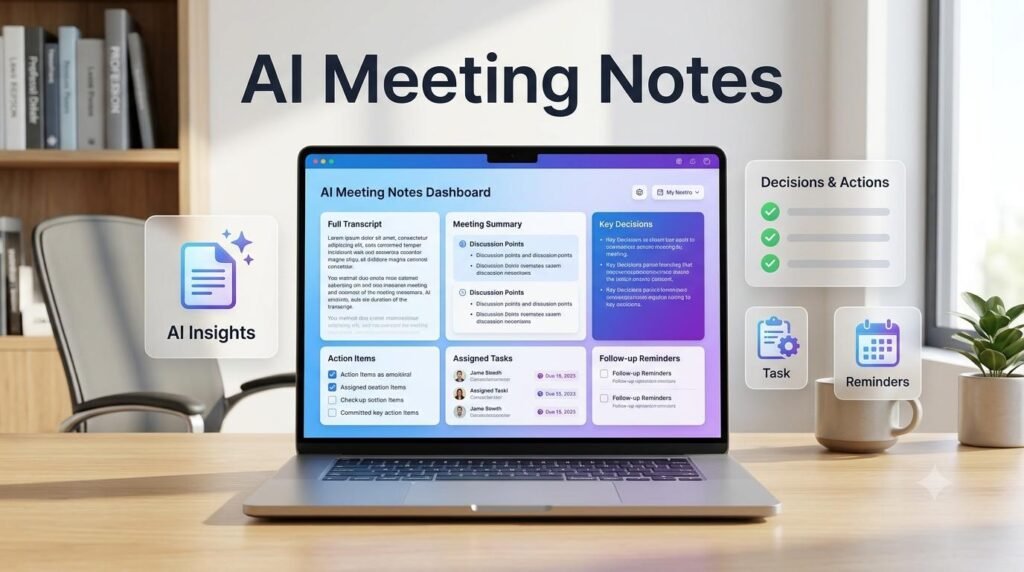
Meetings often generate important information, but capturing every detail while actively participating can be difficult. An AI meeting notes workflow can help you summarize discussions, identify important decisions, organize action items, and prepare follow-up messages without manually rewriting everything. Whether you work remotely, manage a small business, collaborate with clients, or attend regular team meetings, AI can make meeting documentation more organized and useful.
In this guide, you will learn how to use AI for meeting notes, prepare meeting summaries, extract tasks and responsibilities, and build a repeatable workflow that saves time while keeping you in control of the final notes.
You can also explore practical ways to improve workplace productivity with AI and better work habits.
Table of Contents
ToggleWhat Are AI Meeting Notes?
AI meeting notes are organized summaries created with the help of artificial intelligence. Instead of manually writing every point discussed during a meeting, you can provide an approved transcript, meeting notes, or other permitted meeting information to an AI assistant.
The AI can help you identify:
Main discussion points
Important decisions
Tasks and action items
Assigned responsibilities
Deadlines and follow-up dates
Questions that still need answers
The purpose is not to replace human participation. It is to make the information from a meeting easier to understand, review, and act upon.
AI can also help you organize everyday tasks through simple and repeatable workflows.
Why Use AI for Meeting Notes?
A well-designed AI meeting workflow can improve how you document and follow up on meetings.
1. Save Time on Documentation
Writing detailed notes during a meeting can distract you from the conversation. AI can help turn a transcript or rough notes into a structured summary.
2. Capture Important Decisions
Meeting discussions can move quickly. AI can help identify decisions and separate them from general discussion points.
3. Organize Action Items
A useful meeting summary should explain what needs to happen next. AI can extract tasks, suggested owners, and mentioned deadlines from the information you provide.
4. Prepare Follow-Up Messages
Once the notes are organized, AI can help draft a professional follow-up email for participants.
5. Make Information Easier to Review
Structured summaries help team members understand what happened, even if they could not attend the meeting.
A consistent process can help you save time on documentation and focus more on important discussions.
How to Use AI for Meeting Notes: Step-by-Step Workflow
Follow these steps to build a practical AI meeting notes workflow.
Step 1: Prepare Your Meeting Information
Before using AI, decide how you will collect the meeting information.
You can use:
A transcript from an approved meeting platform
Notes written during the meeting
A document containing discussion points
A recording transcript, where recording and transcription are permitted
Always inform participants and obtain the required consent before recording or transcribing a meeting. Follow your organization’s privacy, confidentiality, and data-handling policies.
Step 2: Organize the Raw Meeting Content
Meeting transcripts may contain repeated statements, incomplete sentences, and unrelated conversation.
Provide the transcript or notes to your AI assistant and ask it to organize the information without changing the meaning.
Example Prompt:
“Review the meeting transcript below. Organize the information into clear sections. Remove unnecessary repetition, but preserve important details, names, figures, questions, and decisions. Do not invent missing information.”
Step 3: Generate a Clear Meeting Summary
A good meeting summary should be short enough to review quickly but detailed enough to preserve the important discussion.
Example Prompt:
“Create a clear meeting summary from the information below. Include the meeting purpose, main topics discussed, important updates, key decisions, and unresolved questions. Use simple professional language. Do not add information that is not present in the source.”
Review the generated summary against the original notes before sharing it.
Step 4: Extract Decisions and Action Items
This is one of the most useful parts of an AI meeting notes workflow.
Ask AI to separate confirmed decisions from tasks and suggestions.
Example Prompt:
“Analyze the meeting notes and create two separate sections:
Key Decisions: List only decisions that were clearly agreed upon.
Action Items: Create a table with task, assigned person, deadline, and status.
If an owner or deadline was not mentioned, write ‘Not specified’. Do not assume or assign responsibilities.”
This helps prevent suggestions from being mistakenly treated as approved decisions.
Step 5: Create a Follow-Up Email
After reviewing the notes and action items, use AI to prepare a follow-up email for participants.
Example Prompt:
“Write a professional follow-up email based on the approved meeting notes below. Include a brief summary, confirmed decisions, action items, and next steps. Keep the tone clear and friendly. Do not add commitments or deadlines that were not agreed upon.”
Check names, responsibilities, dates, and confidential information before sending the email.
Similar AI techniques can also help you improve your content creation process.
Step 6: Store and Organize Meeting Notes
Save the final notes in a consistent location so that participants can find them later.
You can organize meeting documents by:
Project name
Team or department
Meeting date
Client or business account
Meeting type
Use a consistent file naming format, such as:
Project-Name_Meeting-Notes_YYYY-MM-DD
Make sure only authorized people can access the stored documents.
Step 7: Review and Verify the Final Notes
AI-generated summaries can misunderstand speakers, miss important context, or incorrectly interpret a discussion.
Before sharing the notes, check:
Are the key decisions accurate?
Are names and figures correct?
Are action items supported by the meeting?
Are deadlines actually agreed upon?
Have unresolved questions been clearly identified?
Does the summary preserve the original meaning?
Human review is essential, especially for client meetings, financial discussions, legal matters, and important business decisions.
You can build a practical AI workflow for other repetitive tasks in your daily work.
A Practical AI Meeting Notes Workflow Example
Imagine a small marketing team holds a weekly meeting to discuss campaign performance, upcoming content, and project deadlines.
The team can use the following workflow:
| Stage | What Happens |
|---|---|
| Meeting | Team discusses campaign progress |
| Transcript | Approved transcript is prepared |
| AI Summary | Main discussion points are organized |
| Decisions | Confirmed decisions are extracted |
| Action Items | Tasks, owners, and deadlines are listed |
| Follow-Up | A meeting follow-up email is drafted |
| Storage | Final notes are saved in the project folder |
The result is a repeatable process that turns meeting discussions into organized information and clear next steps.
Useful AI Prompts for Meeting Notes
You can reuse these prompts for different types of meetings.
Prompt 1: Short Meeting Summary
“Summarize the meeting notes below in clear bullet points. Include the main topics, important updates, key decisions, and next steps. Keep the summary concise without removing essential information.”
Prompt 2: Extract Action Items
“Extract all action items from the meeting notes. Create a table containing task, responsible person, deadline, and any relevant details. Mark missing information as ‘Not specified’. Do not guess.”
Prompt 3: Identify Unresolved Questions
“Review these meeting notes and list all questions, concerns, and issues that remain unresolved. Separate confirmed answers from questions that still need follow-up.”
Prompt 4: Prepare a Follow-Up Email
“Draft a professional follow-up email using the approved meeting summary below. Include key decisions, action items, and next steps. Use a clear subject line and a friendly professional tone.”
Prompt 5: Create a Meeting Report
“Turn the meeting notes below into a structured report with these sections: Meeting Overview, Discussion Summary, Key Decisions, Action Items, Risks or Concerns, and Next Meeting Preparation. Do not invent details.”
Common Mistakes to Avoid When Using AI for Meeting Notes
AI can make meeting documentation easier, but using it without proper checks can create problems.
1. Sharing Confidential Information Without Permission
Do not upload sensitive business, customer, employee, or client information to an AI service unless its use is approved under your organization’s policies.
2. Treating Every AI Suggestion as a Decision
AI may interpret a discussion or suggestion as an agreement. Verify every important decision against the original meeting information.
3. Ignoring Missing Information
If the transcript does not identify who owns a task or when it is due, do not let AI guess. Mark the information as not specified.
4. Sharing Notes Without Reviewing Them
Always check the final summary before sending it to participants.
5. Creating Overly Long Summaries
A useful meeting summary should prioritize relevant information instead of repeating the entire conversation.
Tips to Improve Your AI Meeting Notes Workflow
Use a consistent meeting notes template.
Keep meeting transcripts organized by project and date.
Separate decisions from discussion points.
Extract action items into a dedicated task list.
Use clear prompts with specific output instructions.
Verify names, figures, responsibilities, and deadlines.
Follow privacy and recording-consent requirements.
Review the final notes before sharing them.
Learning to use AI responsibly is also a useful way to develop practical digital skills.
Frequently Asked Questions
1. Can AI automatically create meeting notes?
Yes. Some AI assistants and meeting platforms can generate summaries from supported meeting transcripts or recordings. Availability depends on the platform, permissions, and configuration. You should always review the output.
2. How do I use ChatGPT for meeting notes?
You can provide ChatGPT with meeting notes or an approved transcript and ask it to create a summary, extract decisions, organize action items, or draft a follow-up email. Avoid sharing information that your organization does not permit you to upload.
3. Can AI identify action items from meeting transcripts?
AI can identify potential action items and organize them into a table. However, you should verify the assigned person, deadline, and task details against the original discussion.
4. Are AI-generated meeting notes accurate?
They can be useful, but they are not guaranteed to be accurate. Transcription errors, unclear conversations, and missing context can affect the results. Human verification is important.
5. Can AI create meeting follow-up emails?
Yes. AI can draft follow-up emails using approved meeting notes. Review the message carefully before sending it to ensure that all decisions and commitments are correct.
6. Is it safe to upload meeting transcripts to AI tools?
It depends on the tool, its data-handling practices, your account settings, and your organization’s policies. Check permissions and privacy requirements before uploading transcripts, particularly when they contain confidential information.
Final Thoughts
Using AI for meeting notes is a practical way to make workplace communication more organized. From summarizing discussions to extracting action items and preparing follow-up emails, AI can help turn meeting information into useful next steps.
Start with a simple workflow: collect approved meeting information, create a summary, extract confirmed decisions, organize action items, and review everything before sharing.
The most effective approach is to let AI handle repetitive documentation while people remain responsible for decisions, accuracy, and communication.
Related Guides: Explore More Practical AI and Work Guides
Explore practical guides to use AI more effectively, improve workplace productivity, organize everyday tasks, and build smarter digital workflows.
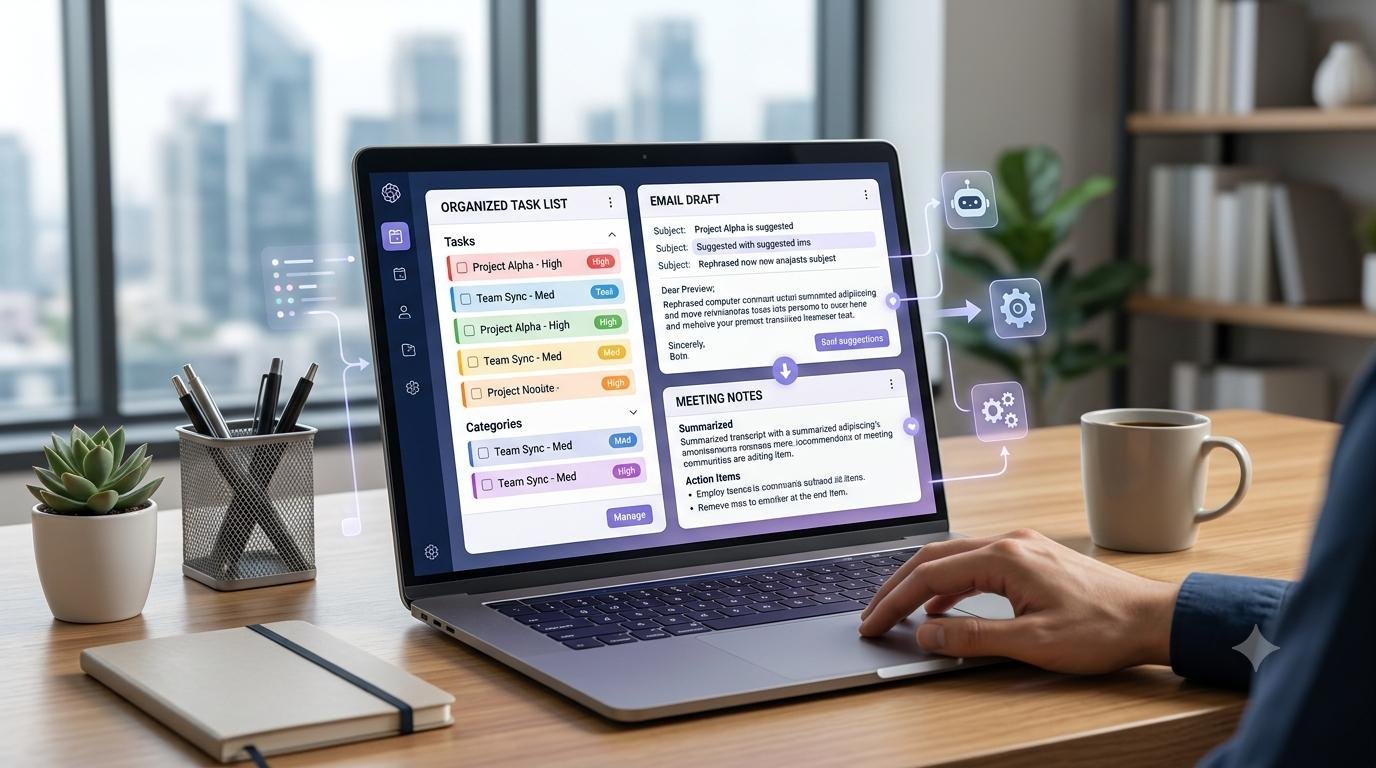
AI & Work: Practical AI Guides
Learn how AI can help you organize tasks, improve productivity, and work more efficiently.

AI Workflows
Discover practical AI workflows for research, content, business tasks, and everyday productivity.

AI for Content Creation
Learn how AI can support research, writing, editing, and content planning.

Digital Business
Explore practical guidance for online business, freelancing, and business productivity.
Creator Growth
Discover ways to plan content, improve creator productivity, and grow an online audience.

Digital Skills
Build practical AI, research, productivity, and digital skills for modern work.
Explore Useful AI and Digital Tools with Arzoo
Looking for practical tools to simplify your everyday digital tasks? Explore useful online tools and utilities on Arzoo to support your productivity, content creation, and daily work.
Discover Digital Resources at DigiMarket
Explore useful eBooks, PDFs, templates, and digital resources designed to support your learning, productivity, and online growth. Find practical resources to help you put new ideas into action.