

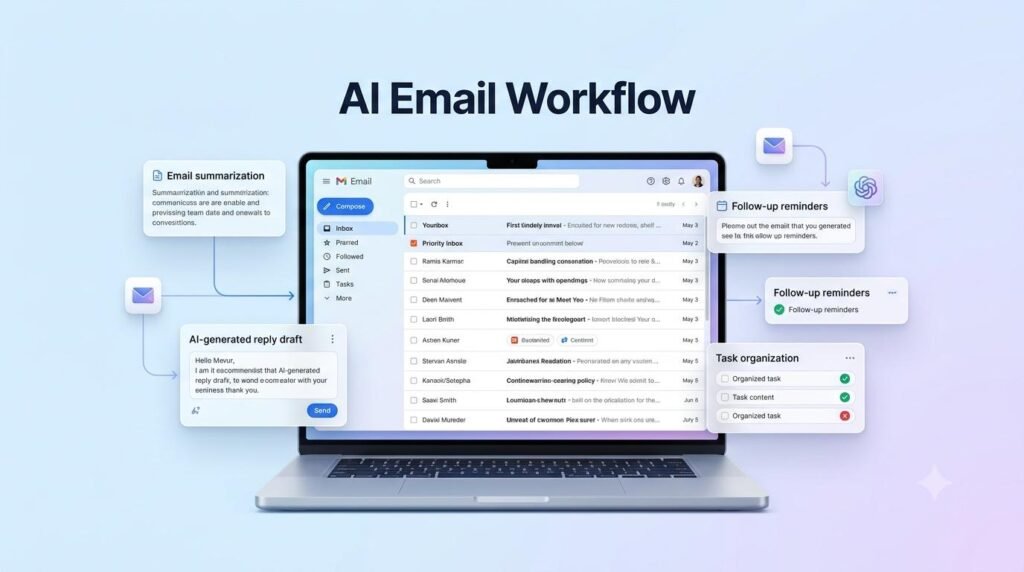
An AI Email Workflow can help you manage your inbox, organize important messages, draft professional replies, and track follow-ups without spending hours on repetitive email tasks. Whether you are a freelancer, business owner, student, or working professional, learning how to use AI for email management can make your daily communication more organized and efficient. In this practical guide, you will learn how to build a simple AI-powered email workflow, use effective prompts, and manage your emails while keeping control over accuracy and privacy.
When your inbox becomes crowded, important messages can get buried under newsletters, routine updates, meeting requests, and promotional emails.
An AI email workflow can make this process easier. Instead of handling every message manually, you can use AI to summarize emails, identify priorities, prepare reply drafts, and organize follow-up tasks.
The goal is not to let AI control your inbox. It is to use AI as a practical assistant that helps you manage email communication more efficiently while keeping important decisions in your hands.
In this guide, you will learn how to build an AI workflow for managing emails, step by step, with practical examples and ready-to-use prompts.
If you are new to AI, start by understanding how to use AI in everyday work before building more advanced email workflows.
Table of Contents
ToggleWhat Is an AI Email Workflow?
An AI email workflow is a structured process that uses artificial intelligence to assist with everyday email tasks.
It can help you:
Understand long email conversations quickly.
Identify urgent and important messages.
Summarize important information.
Prepare professional email replies.
Improve the clarity and tone of your messages.
Create follow-up reminders and action lists.
Organize recurring email tasks.
For example, imagine receiving 25 emails in the morning. Instead of reading every message with the same level of attention, you can ask an AI assistant to summarize the messages, identify those that require action, and prepare draft replies for selected emails.
You review the results, make corrections, and decide what to send.
This creates a more organized way to handle email communication.
You can also explore how to use AI to save time at work and improve your daily productivity.
Why Use AI to Manage Emails?
Email management is not only about writing replies. It also involves understanding information, making decisions, remembering deadlines, and communicating clearly.
An AI email workflow can help with several parts of this process.
1. Save Time on Repetitive Tasks
Many emails contain similar requests, questions, and routine updates. AI can help prepare responses to recurring types of messages so that you do not have to write every reply from scratch.
2. Understand Long Email Conversations
Some email threads contain several replies, different opinions, and multiple action items. AI can summarize the conversation and highlight the key points.
3. Prioritize Important Messages
AI can help you review messages based on deadlines, requests, business importance, or the action required. You should still make the final decision about urgency.
4. Write Clearer and More Professional Replies
AI can improve grammar, structure, tone, and readability. It can also help you prepare polite responses to clients, colleagues, and customers.
5. Manage Follow-Ups More Consistently
AI can extract pending tasks, promised dates, and next steps from email conversations. You can then transfer these details into your calendar or task manager.
How to Build an AI Email Workflow: Step by Step
You do not need a complicated automation system to begin. Start with a simple workflow and improve it as your needs grow.
Step 1: Review and Collect Important Emails
Begin by reviewing the messages that require your attention.
You can divide your inbox into practical groups:
Urgent: Messages with immediate deadlines or important issues.
Action Required: Messages that need a reply or task.
Waiting: Messages where you are waiting for someone else’s response.
Reference: Information you may need later.
Low Priority: Newsletters, routine notifications, and non-urgent updates.
You can use these categories manually or with the organizational features available in your email service.
Do not give an AI assistant unrestricted access to your entire inbox unless you understand the permissions and privacy implications. For a simple starting workflow, select the relevant email text yourself and share only the information needed for the task.
Step 2: Use AI to Summarize Long Emails
Long emails and conversation threads can take time to understand, particularly when several people are involved.
AI can convert them into short summaries containing the important information.
Example Prompt:
“Summarize the following email conversation in simple language. Identify the main purpose, important information, decisions made, deadlines, and any action items. Do not add information that is not included in the email.”
Expected Output:
Main purpose of the conversation.
Important points.
Decisions or agreements.
Deadlines mentioned.
Tasks that require attention.
This makes it easier to understand a conversation before deciding how to respond.
Step 3: Prioritize Emails Using AI
Not every email deserves the same amount of attention.
For example, a client asking about a project deadline may require a faster response than a general newsletter.
AI can help classify selected emails based on their content.
Example Prompt:
“Review the following email and classify it as Urgent, Action Required, Waiting for Response, Reference, or Low Priority. Explain the reason for your classification and identify any deadline or action mentioned. If the information is unclear, say so instead of making an assumption.”
You can use this process to review important messages and create a daily priority list.
Remember that AI classifications are suggestions. Check the sender, context, and actual deadline before deciding which message needs immediate attention.
Step 4: Draft Professional Email Replies
Writing replies is one of the most useful applications of AI in email management.
Instead of starting from a blank page, provide the relevant message and explain what you want to communicate.
Example Prompt:
“Write a professional and friendly reply to the email below. Thank the sender, answer their main question, keep the response clear and concise, and maintain a polite tone. Do not invent commitments, prices, dates, or facts that I have not provided.”
You can also specify the communication style:
Formal and professional.
Friendly and conversational.
Short and direct.
Polite follow-up.
Customer support response.
Example: Client Project Reply
Suppose a client asks whether a project update will be ready by Friday.
You can instruct AI:
“Prepare a polite reply confirming that I will share the project update by Friday. Keep the message professional and concise.”
AI can prepare a draft that you review before sending.
This is especially helpful for freelancers, consultants, and small business owners who regularly communicate with clients.
The same approach can support an AI content creation workflow for planning, drafting, and improving written content.
Step 5: Improve the Tone and Clarity of Emails
Sometimes your message contains the right information but does not communicate it clearly.
AI can help make a message more professional, polite, and easy to understand.
Example Prompt:
“Rewrite this email to make it clear, professional, and polite. Keep the original meaning unchanged. Remove unnecessary words and avoid making the message sound overly formal.”
This is useful when:
Responding to a complaint.
Explaining a delay.
Requesting information.
Asking for a project update.
Communicating with a new client.
Sending a professional reminder.
Always review the revised message to make sure it still expresses what you intended.
Step 6: Extract Follow-Up Tasks and Deadlines
One important email may contain several tasks.
For example, a client may request a revised document, ask for a meeting, and expect an update by a particular date.
Instead of relying on memory, ask AI to extract the action items.
Example Prompt:
“Read the following email conversation and create a follow-up checklist. Include the task, responsible person if clearly mentioned, deadline if provided, and the next action. Do not invent missing dates or responsibilities.”
You can then transfer the checklist into your preferred task manager or calendar.
For example:
Send the revised proposal — Thursday.
Confirm the meeting time — Pending.
Share the project update — Friday.
This helps you turn email conversations into actionable tasks.
Step 7: Create a Daily Email Management Routine
A useful workflow should fit into your regular workday.
You can create a simple routine with three review sessions.
Morning Review
Check urgent and important emails.
Summarize long conversations.
Identify tasks and deadlines.
Prepare replies for messages that need attention.
Afternoon Review
Check new messages.
Respond to pending client or team requests.
Review tasks that are waiting for information.
Update follow-up reminders.
End-of-Day Review
Check unanswered important emails.
Record pending tasks.
Note promised deadlines.
Prepare a priority list for the next working day.
This routine helps prevent important messages from being forgotten.
Beginners can learn more about creating an AI workflow for everyday tasks to simplify repetitive activities.
A Complete AI Email Workflow Example
Now let’s connect all these steps into one practical process.
Imagine you are a freelancer who receives emails from clients, potential customers, and service providers.
Your daily workflow could look like this:
| Stage | What You Do | How AI Helps |
|---|---|---|
| 1. Review | Check incoming emails | Summarizes selected messages |
| 2. Classify | Identify priorities | Suggests email categories |
| 3. Understand | Read important conversations | Extracts key points |
| 4. Respond | Prepare replies | Creates draft responses |
| 5. Follow Up | Track pending requests | Extracts tasks and deadlines |
| 6. Review | Check completed work | Creates a daily summary |
The important part is that AI supports each stage, while you remain responsible for decisions, approvals, and sending messages.
Content creators can also explore an AI YouTube content workflow to organize their video production tasks.
Ready-to-Use AI Prompts for Email Management
You can use the following prompts with a suitable AI assistant. Replace the bracketed text with your own email content.
1. Email Summary Prompt
“Summarize this email in five bullet points. Highlight the main purpose, important details, deadlines, and any action required. Do not add information that is not present in the original message.
Email: [Paste selected email text]”
2. Professional Reply Prompt
“Write a professional and polite reply to this email. Keep it clear and concise. Use only the information I provide and do not make commitments on my behalf.
Email: [Paste email]
My response points: [Add your points]”
3. Follow-Up Email Prompt
“Write a polite follow-up email regarding the message below. Keep the tone friendly and professional. Do not sound demanding.
Previous email: [Paste previous email]
Purpose of follow-up: [Explain what you need]”
4. Email Priority Prompt
“Review this email and suggest whether it is Urgent, Action Required, Waiting for Response, Reference, or Low Priority. Explain the reason and identify any deadline mentioned.
Email: [Paste email]”
5. Email Action List Prompt
“Extract all action items from this email. Show each task, the responsible person if mentioned, and the deadline if provided. Clearly mark missing information instead of guessing.
Email: [Paste email]”
Common Mistakes to Avoid When Using AI for Emails
AI can make email management easier, but using it without proper review can create problems.
1. Sending AI Replies Without Reviewing Them
AI may misunderstand the context or produce an inaccurate response. Always read the complete draft before sending it.
2. Sharing Confidential Information
Avoid pasting passwords, financial account details, private customer information, confidential business documents, or sensitive personal information into an AI service unless its privacy and data-handling terms have been reviewed and the use is authorized.
Use only the minimum information needed. Replace names and sensitive details with placeholders where possible.
3. Allowing AI to Make Important Decisions
AI can suggest priorities and prepare responses, but it should not independently make important business, financial, contractual, or customer-related decisions.
4. Trusting Automatically Generated Deadlines
AI may misunderstand dates or infer a deadline that was never confirmed. Check the original message before adding a task to your calendar.
5. Overcomplicating the Workflow
Do not begin by automating every email task. Start with summaries, reply drafts, and follow-up lists. Add more advanced automation only when the basic process works reliably.
How to Make Your AI Email Workflow More Effective
Once you are comfortable with the basic process, you can improve it further.
Create reusable prompts for frequently received emails.
Maintain a consistent tone for client communication.
Use clear email labels and folders.
Review follow-up tasks every working day.
Keep human approval before sending important replies.
Measure whether the workflow actually saves time and reduces missed tasks.
If you use an AI assistant alongside Gmail, Outlook, or another email service, check which features and integrations are available in your account. Capabilities and permissions can vary between services and plans.
For information-heavy tasks, learning how to build an AI research workflow can help you organize findings more efficiently.
Frequently Asked Questions
What is an AI email workflow?
An AI email workflow is a process that uses artificial intelligence to assist with email summaries, prioritization, reply drafting, and follow-up management.
Can AI automatically reply to emails?
Some email services and connected AI tools offer automated or suggested replies. However, automatic sending should be used carefully. For important communication, review and approve the reply before it is sent.
Can ChatGPT help manage emails?
ChatGPT can help summarize email text, draft professional replies, improve writing, extract action items, and create follow-up checklists. The available ability to work directly with an inbox depends on connected services, permissions, and supported features.
Is AI email management useful for freelancers?
Yes. Freelancers can use AI to prepare client replies, summarize project discussions, identify deadlines, and organize follow-ups. This can make routine communication easier to manage.
Is it safe to use AI for email management?
It depends on the information shared and the AI service being used. Avoid sharing sensitive or confidential information unless the service’s privacy terms, permissions, and your organization’s policies allow it.
Do I need technical skills to build an AI email workflow?
No. You can begin with a basic AI assistant and manually provide selected email text. More advanced integrations and automation may require additional setup.
Build a Smarter Way to Manage Emails
Email management does not have to become a time-consuming part of your workday.
With a practical AI email workflow, you can summarize long conversations, prioritize important messages, prepare professional replies, and organize follow-up tasks more efficiently.
Start with a simple process: review your emails, use AI to understand and draft, check the results, and record the next actions.
You do not need to automate everything at once. Build a workflow that supports your daily responsibilities while keeping important decisions under your control.
The real value of AI is not simply writing more emails in less time. It is helping you communicate clearly, stay organized, and focus on work that matters.
Related Guides: Explore Practical AI Workflows
Explore more practical AI guides to improve productivity, simplify everyday tasks, and build smarter workflows. Learn how to use AI for research, content creation, business communication, and everyday work.

What Is AI and How Can You Use It in Everyday Work?
Understand how AI can support everyday tasks and improve your work productivity.
How to Use AI to Save Time at Work
Discover practical ways to use AI to reduce repetitive tasks and manage your working day.

AI Workflow for Beginners
Learn how to organize everyday tasks and build a practical workflow with AI.
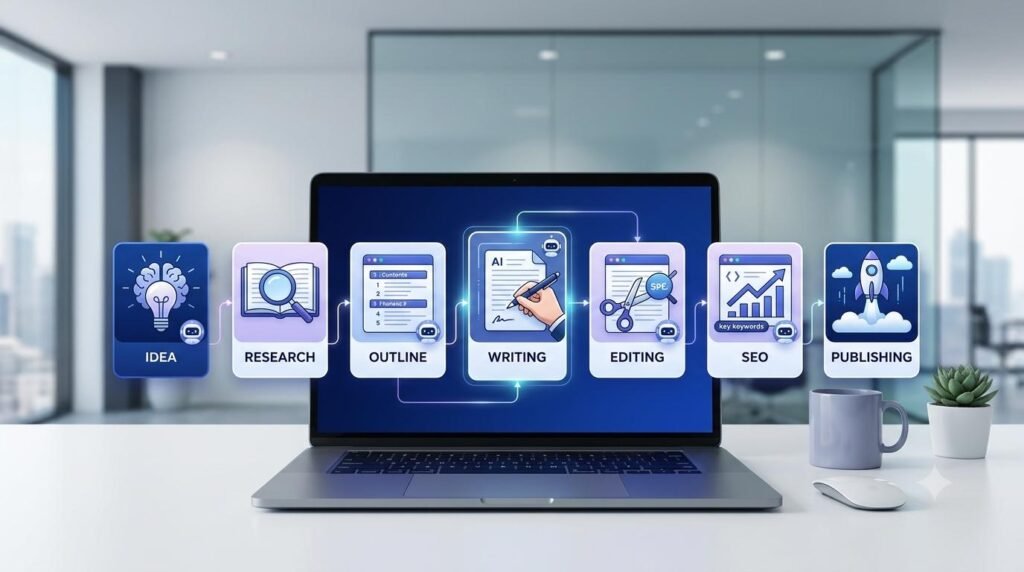
AI Content Creation Workflow: From Idea to Publishing
Discover how to plan, create, edit, and publish content through a repeatable AI-powered workflow.
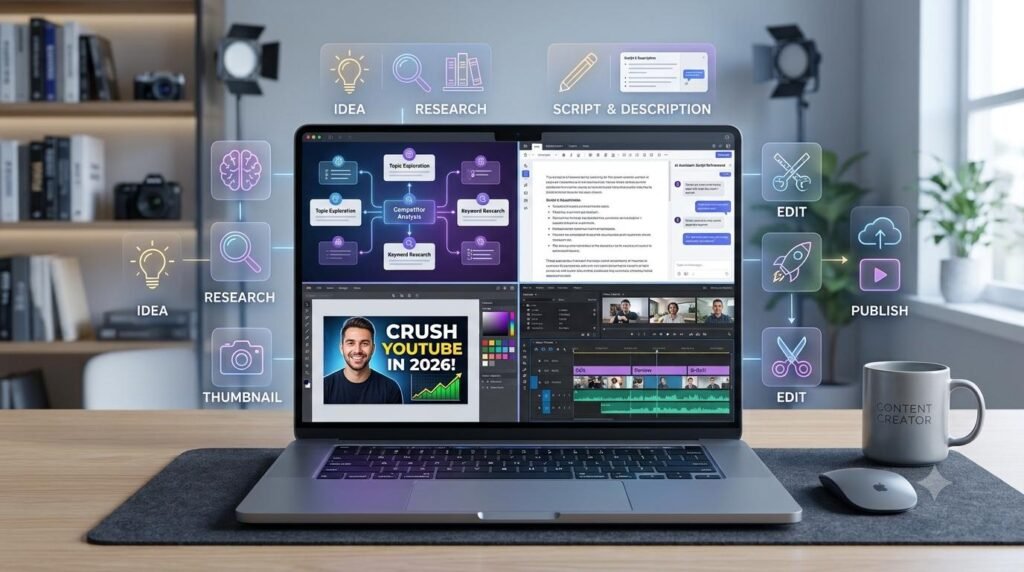
AI YouTube Content Workflow: From Idea to Publish
Explore how AI can help organize video ideas, scripts, and publishing tasks.
How to Build an AI Research Workflow: 7 Practical Steps
Learn how to collect information, organize research, and use AI to support better decisions.
Explore Useful AI and Digital Tools with Arzoo
Looking for practical tools to simplify your digital work? Explore useful online tools and utilities on Arzoo to support content creation, productivity, and everyday digital tasks.
Discover Digital Resources at DigiMarket
Explore digital resources, eBooks, PDFs, and useful tools designed to support your learning, productivity, and online growth. Find practical resources to help you take your next step.