

Essential AI Skills You Can Learn and Apply
Artificial intelligence skills are becoming useful across education, content creation, digital marketing, business, research, and everyday work. Learning how to use AI tools effectively can help you organize information, solve problems, generate ideas, and complete certain tasks more efficiently.
However, developing AI skills is not just about learning how to use different applications. It also involves understanding how AI works at a basic level, writing clear instructions, evaluating results, protecting information, and applying human judgment.
This guide explains the essential AI skills beginners can develop and how to practice them through everyday activities.
What Are Artificial Intelligence Skills?
Artificial intelligence skills are the knowledge and abilities needed to understand, use, evaluate, and apply AI technologies responsibly.
These skills can include:
Understanding basic AI concepts.
Using AI-powered applications.
Writing clear prompts and instructions.
Organizing information with AI assistance.
Using AI for writing and content creation.
Supporting research and problem-solving.
Understanding AI limitations.
Reviewing AI-generated information.
Applying privacy and responsible-use practices.
You do not need to become a programmer or data scientist to develop practical AI skills. Many useful applications are designed for everyday users.
Why Are AI Skills Important?
AI is being used in many types of digital work. Understanding how to use it can help people adapt to changing tools and workflows.
Improve Everyday Productivity
AI can assist with drafting, summarizing, brainstorming, organizing notes, and preparing task lists.
Support Content Creation
Creators can use AI to develop ideas, prepare outlines, draft scripts, and organize content calendars.
Make Research More Organized
AI can help summarize supplied information, compare ideas, and prepare questions for further investigation.
Support Business Activities
Businesses and freelancers can use AI to assist with customer communication drafts, documentation, planning, and repetitive administrative tasks.
Develop Digital Confidence
Learning how AI tools work helps users make more informed decisions about when and how to use them.
AI is a support tool, not a replacement for expertise, critical thinking, or professional judgment.
Essential Artificial Intelligence Skills to Learn
There are several practical skills beginners can develop step by step.
Understanding AI Basics
Start by learning what artificial intelligence is and how common AI applications work.
Understand basic terms such as:
Artificial intelligence.
Machine learning.
Generative AI.
Large language models.
Natural language processing.
AI automation.
You do not need to study advanced mathematics at the beginning. Focus on understanding what these technologies can and cannot do.
Prompt Writing
Prompt writing means giving an AI tool clear instructions so that it understands the task.
A useful prompt generally explains:
The task you want completed.
Relevant background information.
The expected format.
Important requirements or limitations.
The intended audience.
For example:
“Act as a content planning assistant. Suggest ten beginner-friendly blog topics about digital productivity. Organize them by topic category and provide a short explanation for each idea.”
Clear instructions usually make it easier to evaluate and improve the output.
AI-Assisted Writing
AI can help with:
Preparing article outlines.
Drafting email messages.
Rewriting unclear sentences.
Generating headline ideas.
Summarizing supplied notes.
Creating first drafts.
Always review the result for accuracy, originality, tone, and suitability before using it.
AI-Assisted Research
AI can help organize information and prepare research questions.
Useful activities include:
Summarizing documents you provide.
Extracting key points from notes.
Comparing different explanations.
Organizing information by topic.
Preparing questions for further research.
Verifying important facts with reliable original sources. AI-generated answers can contain mistakes or unsupported claims.
AI for Content Creation
AI tools can support different content formats, including:
Blog articles.
Video scripts.
Social media captions.
Newsletter drafts.
Presentation outlines.
Image concepts.
Content calendars.
Use AI to support your creative process while maintaining your own perspective and quality standards.
AI for Productivity and Automation
AI can help organize tasks, prepare checklists, draft standard responses, and support repeatable workflows.
Before automating a process, understand the task and review the results. Important decisions and external communications should receive appropriate human oversight.
How to Use AI Tools Effectively
Using an AI application effectively requires more than entering a short question.
Follow this practical process:
Step 1: Define Your Goal
Decide what you want to achieve. For example, you may want to prepare an article outline or organize research notes.
Step 2: Provide Context
Share the relevant background information that the tool needs to understand the task.
Step 3: Give Clear Instructions
Explain the expected result, format, audience, and any restrictions.
Step 4: Review the Response
Check whether the result answers your question and follows your instructions.
Step 5: Improve the Prompt
If something is missing, provide specific feedback and ask for a revision.
Step 6: Verify Important Information
Check factual claims, calculations, references, and other important details.
Step 7: Apply Your Judgment
Decide which suggestions are useful and adapt them to your actual needs.
This process makes AI assistance more controlled and practical.
Practical AI Tools and Their Uses
Different AI tools support different activities. Choose applications according to your requirements rather than trying to use every available tool.
AI Writing and Research Assistants
These tools can assist with brainstorming, explanations, outlining, summarization, and drafting.
AI Image Generation Tools
Image generation applications can help create original visual concepts, illustrations, and graphics from text descriptions.
AI Design Tools
Design applications can support layouts, presentations, social media graphics, and visual content preparation.
AI Video Tools
Video applications may offer features such as automatic captions, editing assistance, transcription, and content preparation.
AI Productivity Tools
These tools can help organize information, manage tasks, summarize documents, and support everyday workflows.
AI Automation Platforms
Automation platforms can connect compatible applications and help manage repetitive processes.
Before choosing an application, review its features, pricing, usage limits, privacy practices, and compatibility with your workflow.
How to Develop AI Skills Through Practice
Practical experience is an important part of learning AI.
Try these beginner-friendly exercises:
Exercise 1: Create a Content Outline
Ask an AI assistant to prepare an outline for a topic you understand. Review the headings and improve the structure.
Exercise 2: Summarize Your Notes
Provide a set of non-sensitive notes and ask the tool to organize them into key points.
Exercise 3: Improve an Email Draft
Write a simple email and ask AI to improve its clarity and tone. Compare the original and revised versions.
Exercise 4: Create a Weekly Plan
Ask AI to organize a realistic weekly task plan based on activities and time limits you provide.
Exercise 5: Compare AI Responses
Ask the same question in two different ways. Compare the responses and identify which prompt produced the more useful result.
Exercise 6: Verify an AI Answer
Choose an important factual statement from an AI response and check it against reliable sources.
These activities help you understand both the usefulness and limitations of AI tools.
AI Skills for Different Types of Work
AI skills can be applied in different professional and creative areas.
For Students and Learners
AI can support explanations, study planning, practice questions, and organization of learning notes. Follow academic rules and do your own learning rather than submitting unverified AI-generated work.
For Content Creators
Creators can use AI for brainstorming, outlines, scripts, editing assistance, and content planning.
For Freelancers
Freelancers can use AI to prepare project outlines, organize requirements, draft proposals, and structure routine communication.
For Digital Marketers
AI can assist with campaign ideas, keyword research organization, content briefs, and reporting drafts. Verify marketing data and claims before using them.
For Small Business Owners
AI can support routine documentation, product descriptions, customer communication drafts, and internal planning.
For Everyday Users
AI assistants can help explain concepts, organize tasks, prepare lists, and summarize information.
The best application depends on the task, the user’s experience, and the level of accuracy required.
Responsible and Safe Use of AI
Developing AI skills also means understanding responsible use.
Keep these principles in mind:
Verify Important Information
AI can produce inaccurate, incomplete, or outdated information. Check important facts before relying on them.
Protect Personal Information
Avoid sharing passwords, financial details, confidential business information, or sensitive personal data with tools unless you understand and trust their data-handling practices.
Respect Copyright and Ownership
Check the usage rights of AI-generated images, text, and other materials. Do not assume that every output is free of restrictions.
Be Transparent When Necessary
Follow applicable workplace, academic, platform, and disclosure requirements when using AI-generated material.
Maintain Human Oversight
Review important decisions, professional advice, published content, and external communications before acting on AI suggestions.
Watch for Bias
AI outputs may reflect errors or biases in their training data. Evaluate responses carefully, especially when they affect people or important decisions.
Common Mistakes Beginners Should Avoid
Avoid these mistakes while learning AI:
Expecting every AI response to be correct.
Writing vague or incomplete prompts.
Accepting generated content without review.
Sharing sensitive information unnecessarily.
Using too many tools without a clear purpose.
Relying on AI for decisions that require professional expertise.
Ignoring copyright and privacy requirements.
Confusing fluent writing with factual accuracy.
Failing to practice with real tasks.
Assuming AI will produce the same result every time.
Learning to recognize these limitations is part of developing stronger AI skills.
A Simple 30-Day AI Skills Learning Plan
You can begin learning practical AI skills with a manageable four-week plan.
Week 1: Understand the Basics
Learn basic AI terminology.
Explore one general-purpose AI assistant.
Practice asking clear questions.
Understand common AI limitations.
Week 2: Learn Prompt Writing
Practice writing specific prompts.
Experiment with different output formats.
Provide context and constraints.
Improve prompts based on results.
Week 3: Apply AI to Real Tasks
Prepare a content outline.
Organize research notes.
Draft a routine email.
Create a weekly task plan.
Review and verify the outputs.
Week 4: Build a Practical Workflow
Choose one repeated activity.
Identify where AI can assist.
Create a step-by-step process.
Review the output for accuracy.
Document what works and what needs improvement.
At the end of the month, you should have practical experience using AI for several everyday tasks. Continue learning at a pace that suits your goals.
Frequently Asked Questions
What are artificial intelligence skills?
Artificial intelligence skills are the abilities needed to understand, use, evaluate, and apply AI tools responsibly for different tasks.
Can beginners learn AI skills without coding?
Yes. Many AI applications are designed for everyday users and can be used through ordinary language instructions. Coding is useful for some advanced applications but is not required for every AI task.
Which AI skills should I learn first?
Start with AI basics, prompt writing, reviewing AI-generated information, privacy awareness, and using AI for simple everyday tasks.
How can I practice AI skills?
Practice with real activities such as preparing outlines, organizing notes, drafting emails, creating task lists, and verifying information.
Are AI tools useful for digital marketing?
Yes. They can assist with brainstorming, content planning, research organization, campaign drafts, and reporting. Always verify important data and claims.
Do I need to learn multiple AI tools?
No. Begin with one or two tools that support your needs. Learn their features and limitations before expanding your toolset.
Can AI replace human skills?
AI can assist with certain tasks, but human judgment, creativity, communication, domain knowledge, and responsibility remain important.
Final Thoughts
Artificial intelligence skills can help you work more confidently with modern digital tools. Start with the basics, practice clear prompt writing, apply AI to everyday activities, and learn to evaluate its responses carefully.
You do not need to master every AI application. Focus on practical skills that match your learning or professional goals, and improve through regular practice.
Explore more digital skills guides on Prernaa to learn useful technologies, improve productivity, and build confidence in your digital work.
Related Guides
Explore practical guides to develop AI skills, create useful content, improve productivity, and build confidence with digital tools.
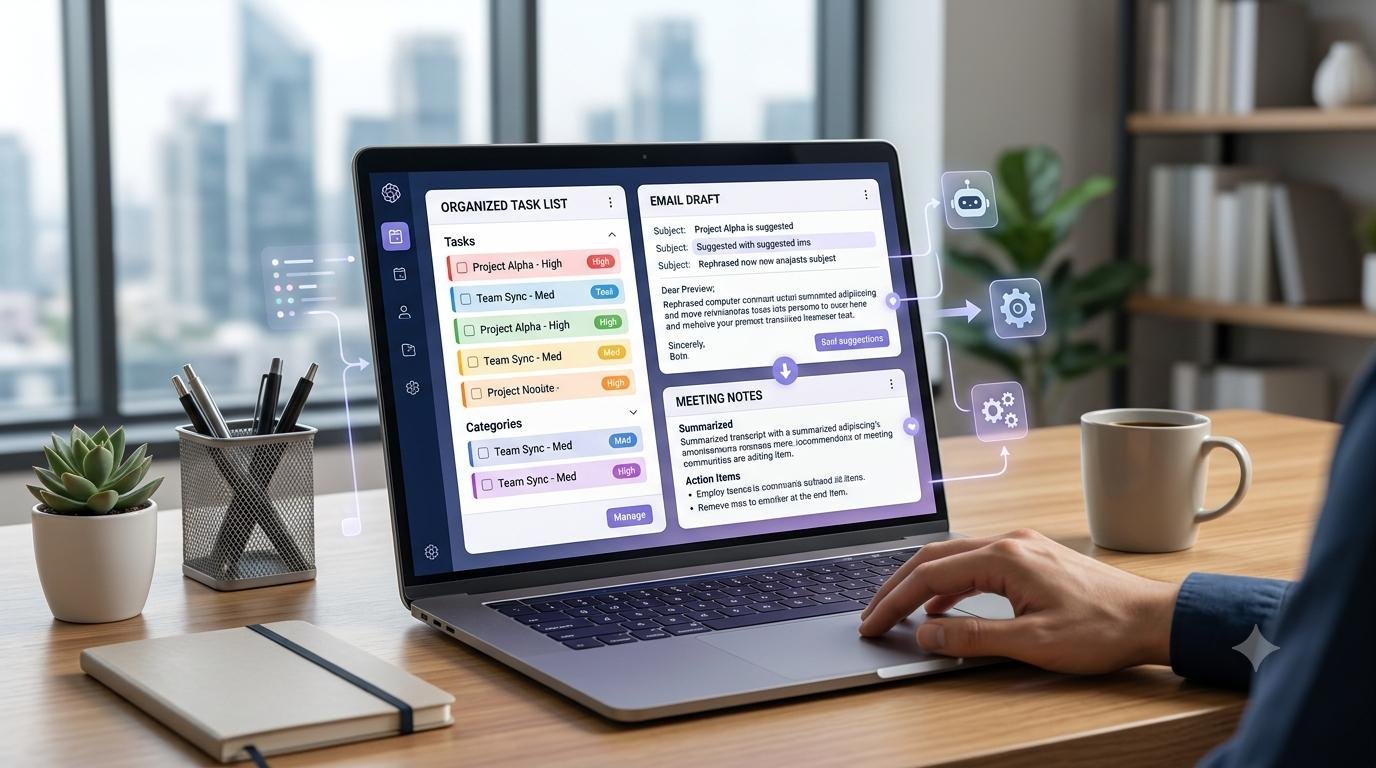
AI for Everyday Work
Learn how AI can help you organize information, draft emails, summarize documents, brainstorm ideas, and handle routine tasks.

AI Workflows
Discover practical AI workflows for content creation, research, business tasks, and everyday productivity.

Content Creation Skills
Develop your skills in content planning, writing, video scripting, editing, and creating useful digital content.

Productivity and Workflow Skills
Learn to organize tasks, manage information, streamline repetitive work, and build practical workflows with digital tools.

Creator Tools and Workflows
Explore useful tools and workflows for writing, research, video planning, content organization, and everyday creator tasks.

Research and Problem-Solving
Learn how to find reliable information, compare sources, organize research, and turn information into useful decisions.